3D Retro Text Effect for Creative Projects
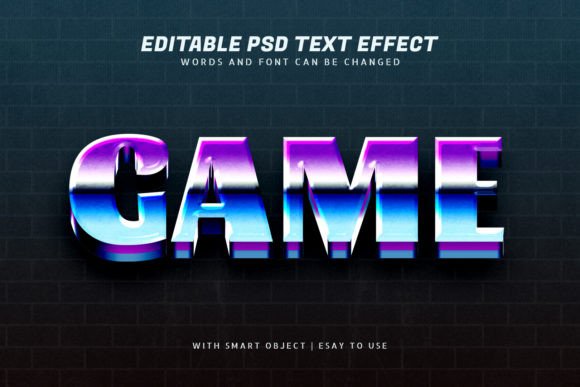
If you're looking to add a vintage yet modern touch to your design work, the Game 3D Retro Text Effect Editable is a powerful tool to have in your creative arsenal. This Photoshop template allows you to create bold, stylized text with a retro gaming aesthetic that stands out in any visual project. Whether you're designing a poster, a logo, or digital artwork, this editable text effect gives you the flexibility and quality you need without requiring advanced Photoshop skills.
What Is the Game 3D Retro Text Effect?
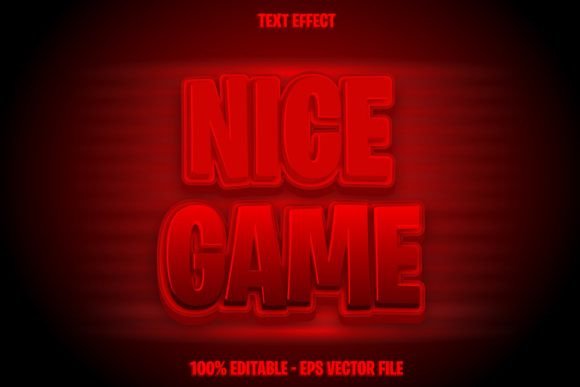
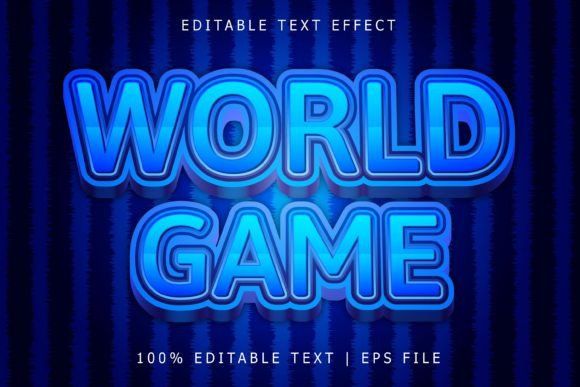
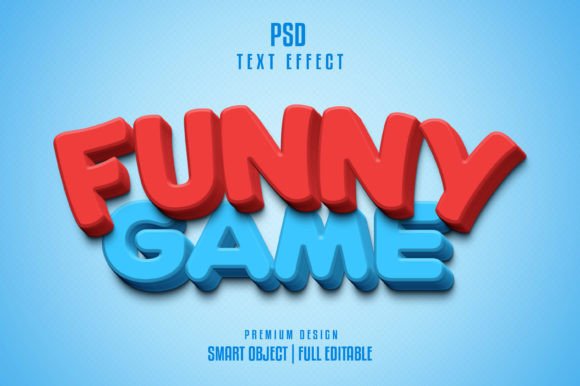
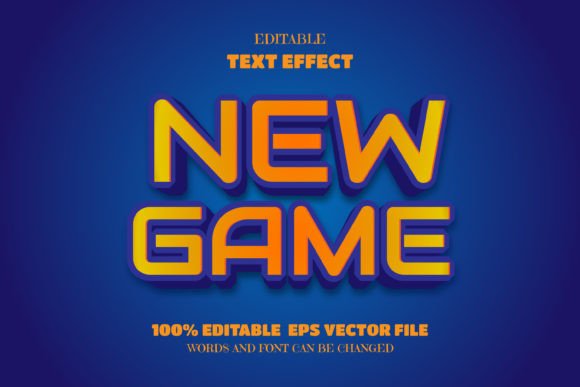
The Game 3D Retro Text Effect Editable is a downloadable Photoshop PSD file that contains a pre-designed text effect inspired by classic video games and 80s/90s pixel art. It uses smart objects and layered styles to let you easily replace the default text with your own, adjust fonts, and even swap in logos or graphics. The result is a high-quality, stylized text design that looks like it came straight from a vintage arcade screen.
Why Use This Text Effect?
Designers and content creators love this template because it's both visually striking and user-friendly. Here are some reasons why it's a valuable addition to your toolkit:
- Easy to Customize: You don’t need to be a Photoshop expert. Just double-click the smart object, replace the text, and choose your font or logo.
- High-Quality Design: The effect is crafted with sharp details and vibrant textures that maintain clarity even when resized.
- Flexible Usage: Whether you're creating social media graphics, game titles, or branding materials, this text effect adapts to your needs.
- Time-Saving: Skip the hours of trial and error trying to recreate retro 3D effects manually. Start with a polished design and tweak it to fit your vision.
Who Can Benefit from This Template?
This effect is ideal for a wide range of users, from beginners to professionals. Here’s how different groups can make the most of it:
- Creative hobbyists: Add a unique look to your personal projects or digital art without learning complex design techniques.
- Content creators: Use the effect in thumbnails, banners, and promotional images for YouTube, Twitch, or blogs.
- Small business owners: Stand out with eye-catching branding elements like logos, product names, or event posters.
- Marketers and entrepreneurs: Create retro-themed campaigns that evoke nostalgia and connect with a wide audience.
- Game developers: Quickly design titles or in-game text with a retro aesthetic that fits pixel art or indie game styles.
How to Use the 3D Retro Text Effect
Using the template is straightforward. After downloading the PSD file, open it in Adobe Photoshop. Each layer is clearly labeled, making it easy to locate the editable text sections. To change the text:
- Double-click on the smart object layer.
- Edit the text or replace it with your preferred font style.
- Save and return to the main file to see your updated design.
You can also swap out the text with a logo or icon by replacing the smart object content. The template supports high-resolution output, so your designs will look crisp whether used online or in print.
Real-World Use Cases
Here are a few practical examples of how you might use the Game 3D Retro Text Effect Editable in your work:
- Event Promotions: Design retro-themed posters for gaming expos, movie nights, or retro-themed parties.
- YouTube Channel Art: Create a cohesive look for your channel with a retro-style banner and logo.
- Merchandise Design: Print the effect on t-shirts, mugs, or phone cases for a trendy, nostalgic vibe.
- Website Headers: Use the effect in hero images or call-to-action buttons to grab attention and add personality.
- Social Media Posts: Spice up your Instagram or Facebook posts with a unique text style that reflects your brand’s personality.
Things to Consider Before Using This Template
While the Game 3D Retro Text Effect Editable is beginner-friendly, there are a few things to keep in mind before diving in:
- Software Requirements: You’ll need Adobe Photoshop to fully edit the PSD file. If you don’t have access, look for online tools that support PSD editing or ask a designer to help.
- Font Licensing: Some fonts used in the preview may be protected by copyright. Make sure to replace them with fonts you have permission to use, especially for commercial projects.
- Color Customization: While the colors are vibrant and retro, you may want to adjust them to match your brand or project. The layers are organized so you can easily tweak color overlays and gradients.
- Resizing: Thanks to smart objects, resizing won’t degrade quality. Still, always preview your design at full size before finalizing to ensure clarity and impact.
Getting the Most from Your Design
Once you've created your retro text, consider pairing it with complementary design elements like pixel art backgrounds, neon borders, or vintage textures. This helps create a cohesive visual style that enhances the overall effect. You can also experiment with layer blending modes or add subtle shadows and glows to make your text pop even more.
Where to Find and Use This Template
You can find the Game 3D Retro Text Effect Editable on various design marketplaces, including Creative Market, GraphicRiver, and other PSD template sites. Always download from trusted sources to avoid malware or low-quality files. Most sellers include both the PSD file and a JPEG preview, so you can see how the effect looks before opening it in Photoshop.
Final Thoughts
The Game 3D Retro Text Effect Editable is more than just a design shortcut—it’s a creative tool that lets you express your style with a nostalgic twist. Whether you're a hobbyist, a small business owner, or a digital creator, this template offers a professional look without the steep learning curve. With its smart object setup, organized layers, and high-quality visuals, it's a versatile asset that can elevate your design work across multiple platforms and purposes.